
Comparison lists |



ReviewsCheck out the reviews for a detailed side-by-side comparison of different software and make informed choices. |
|||
Overall rating |
No Ratings Yet |
No Ratings Yet |
No Ratings Yet |
Likelihood to recommend |
No Ratings Yet |
No Ratings Yet |
No Ratings Yet |
UX & ease of use |
No Ratings Yet |
No Ratings Yet |
No Ratings Yet |
Customer support |
No Ratings Yet |
No Ratings Yet |
No Ratings Yet |
Value for money |
No Ratings Yet |
No Ratings Yet |
No Ratings Yet |
PricingFind the best and most affordable HR software solution for you based on pricing. Compare now. |
|||
Starting price |
$6/month |
N/A |
N/A |
Pricing model |
Free, Free Trial, Subscription |
Free, Free Trial, Subscription |
Free Trial, Subscription |
License |
Paid |
N/A |
Paid |
Notes |
N/A |
<p>Traqq offers a free plan for teams with up to 3 seats. The Premium Teams plan starts at $6/user/month and is available for teams with 4 to 100 seats. For teams with more than 100 seats, custom quotes are available.</p> |
N/A |
Key InfoGet key details in one place to choose the right tool for your team. Read on to know more. |
|||
Use cases |
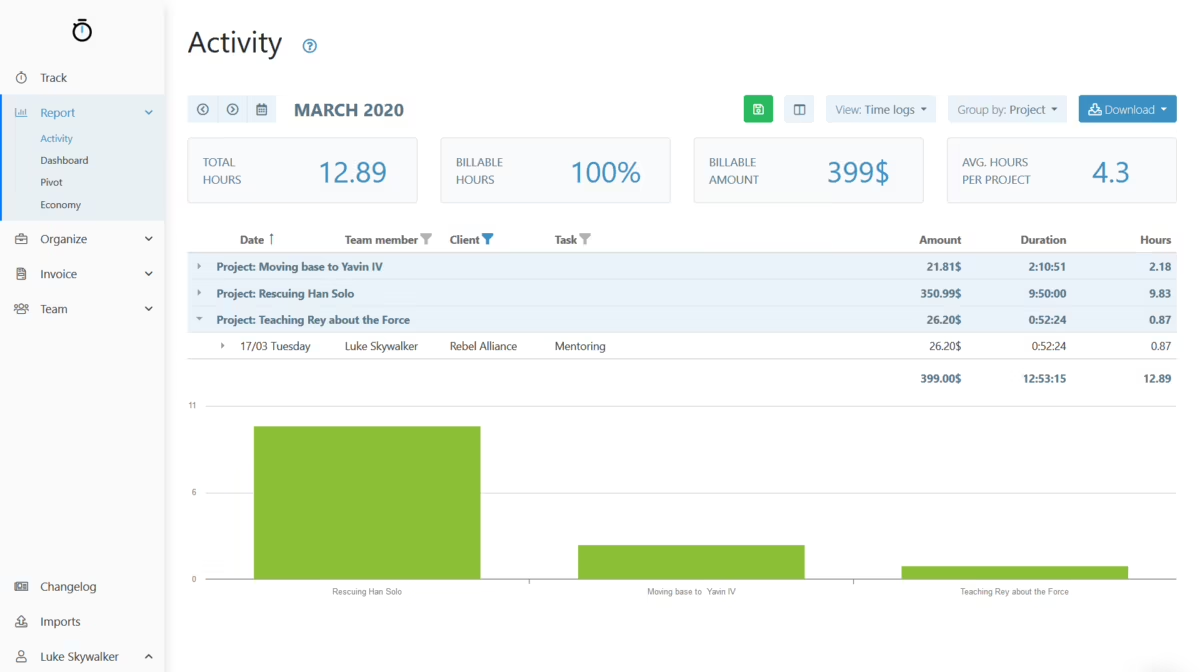
<p>Small teams and freelancers who need to track and bill hours worked per client or per project, divided by tasks, generate reports and create invoices.</p> |
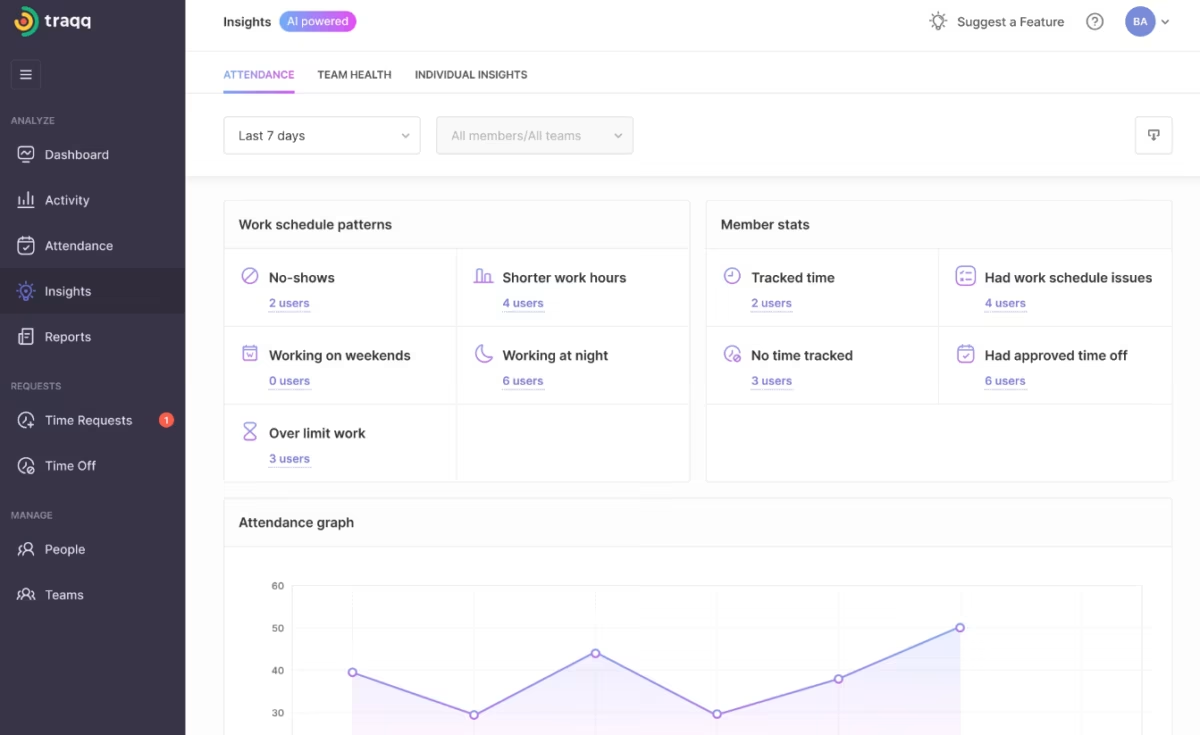
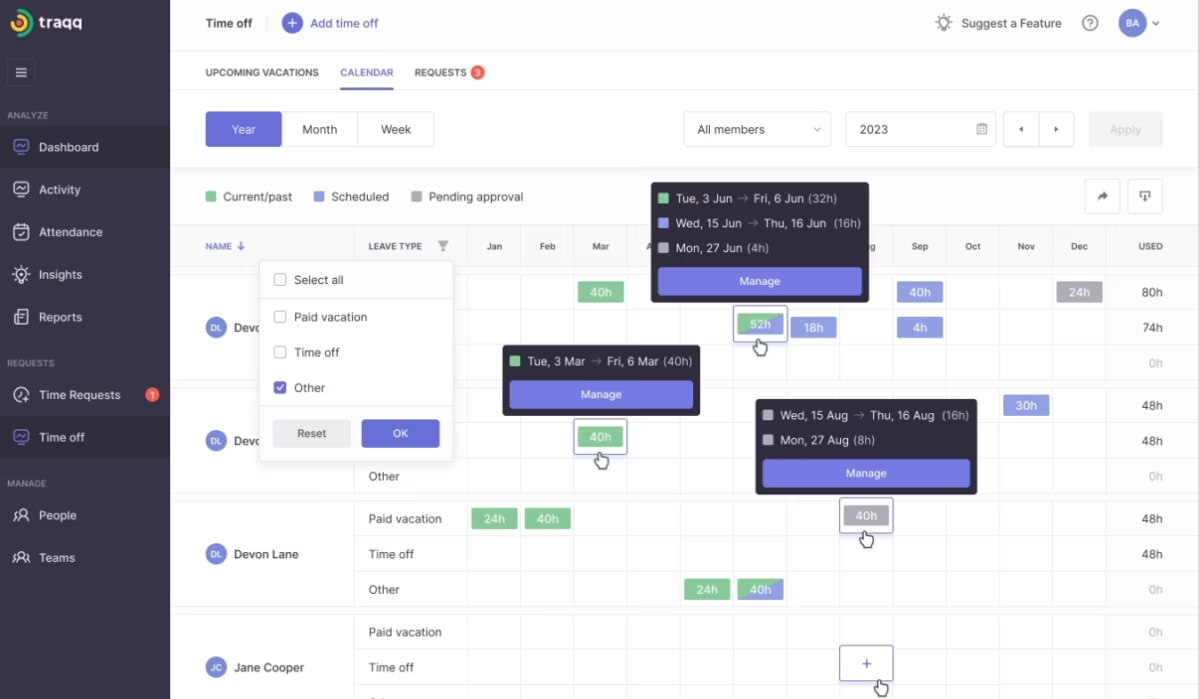
<p>Traqq is suitable for businesses of all sizes, agencies, and solopreneurs who need an easy way to track work hours, monitor productivity, and manage attendance. It’s also ideal for remote and on-site teams that want accurate time tracking without compromising employee privacy.</p> |
<p>Snap Schedule is an effective and powerful scheduling tool that meets the demands of a wide spectrum of organizations in retail, service industries, manufacturing, financials, and public sector.</p> |
Support |
Business Hours, Email, FAQ, Online Community, Phone |
Email, Knowledge Base |
Business Hours, Email, Knowledge Base, Live Online |
FeaturesExplore the features of each software to compare them side-by-side for a smooth selection. |
|||
Absence Management |
|
|
|
Access Control |
|
|
|
Activity Dashboard |
|
|
|
Activity Management |
|
|
|
Activity Tracking |
|
|
|
API |
|
|
|
Attendance Management |
|
|
|
Attendance Tracking |
|
|
|
Audit Trail |
|
|
|
Automated Scheduling |
|
|
|
Automatic Time Capture |
|
|
|
Billable & Non-Billable Hours |
|
|
|
Billing Invoicing |
|
|
|
Calendar Management |
|
|
|
Clock In/ Out |
|
|
|
Collaboration Tools |
|
|
|
Commenting |
|
|
|
Compliance Management |
|
|
|
Customizable Reporting |
|
|
|
Customizable Templates |
|
|
|
Data Import/Export |
|
|
|
Document Storage |
|
|
|
Email Notifications |
|
|
|
Employee Profiling |
|
|
|
Employee Scheduling |
|
|
|
Employee Time Tracking |
|
|
|
Job Costing |
|
|
|
Labor forecasting |
|
|
|
Manual Time Tracking |
|
|
|
Monitoring |
|
|
|
Offline Time Tracking |
|
|
|
Overtime Calculation |
|
|
|
Overtime Tracking |
|
|
|
Payroll Management |
|
|
|
Performance Reports |
|
|
|
Project Management |
|
|
|
Project Time Tracking |
|
|
|
Projections |
|
|
|
Real Time Analytics |
|
|
|
Real Time Data |
|
|
|
Real Time Monitoring |
|
|
|
Real Time Reporting |
|
|
|
Real Time Updates |
|
|
|
Reminders |
|
|
|
Reporting Statistics |
|
|
|
Role-Based Permission |
|
|
|
Search Functionality |
|
|
|
Secure Data Storage |
|
|
|
Skills Tracking |
|
|
|
Status Tracking |
|
|
|
Task Management |
|
|
|
Task Tracking |
|
|
|
Third Party Integration |
|
|
|
Time and attendance tracking |
|
|
|
Time Clock |
|
|
|
Timer |
|
|
|
Timesheet Management |
|
|
|
Timesheets |
|
|
|
Vacation/Leave Tracking |
|
|
|
Workflow Management |
|
|
|
Alternatives
Want to compare alternatives of a software? Find them here and start comparing to choose the perfect fit.









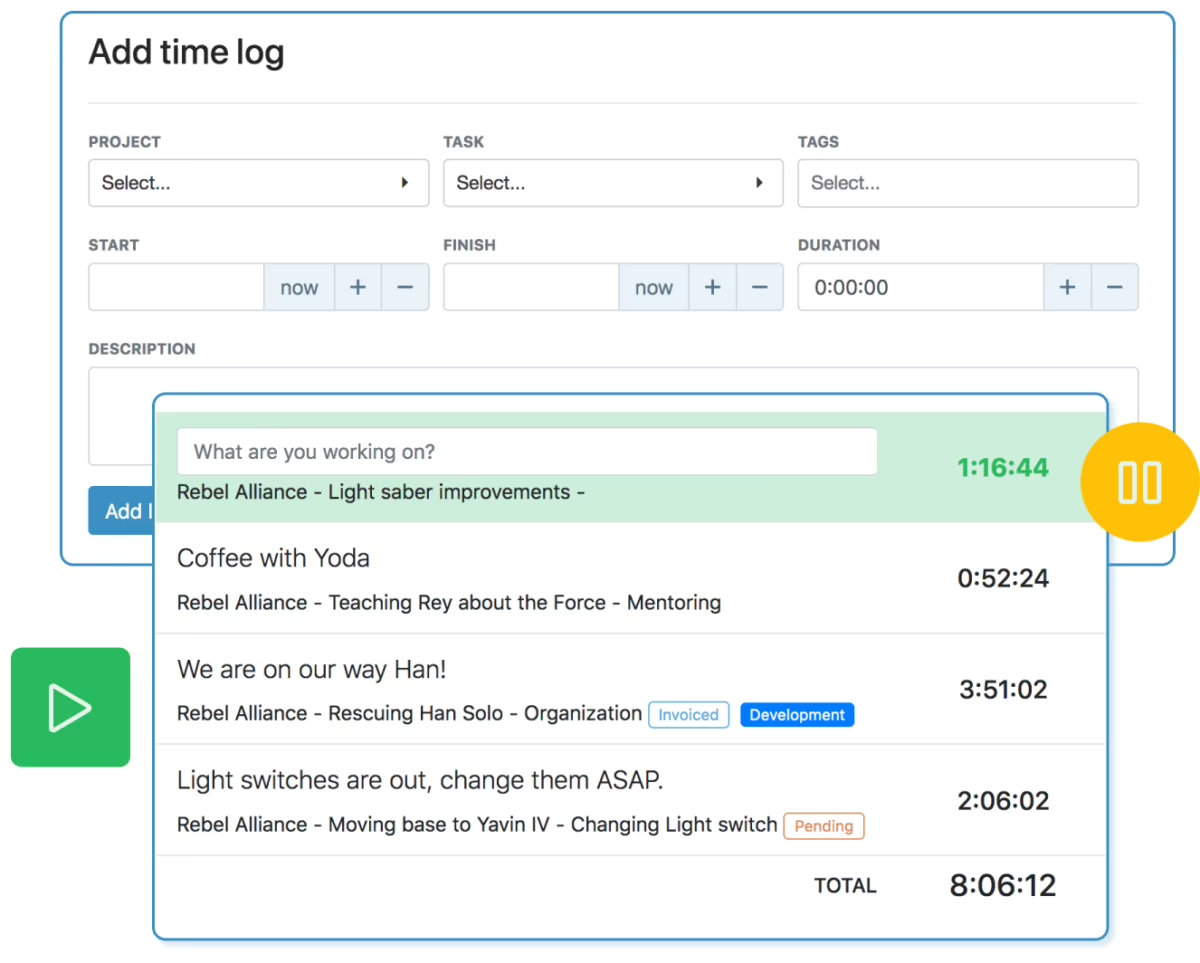
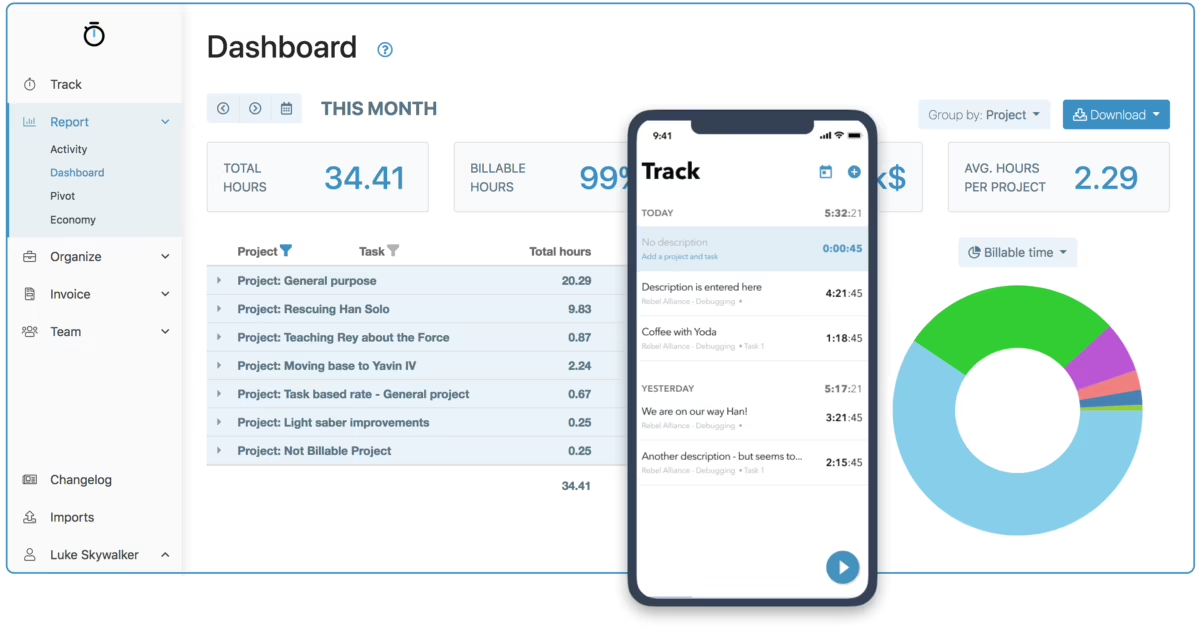
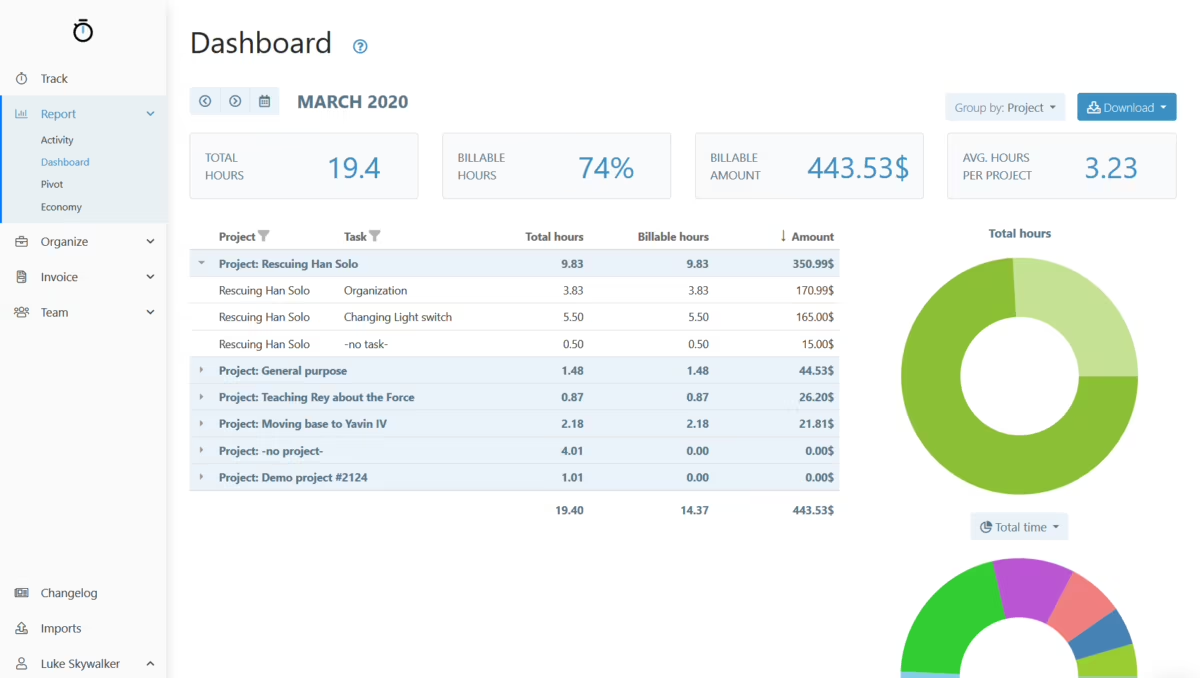
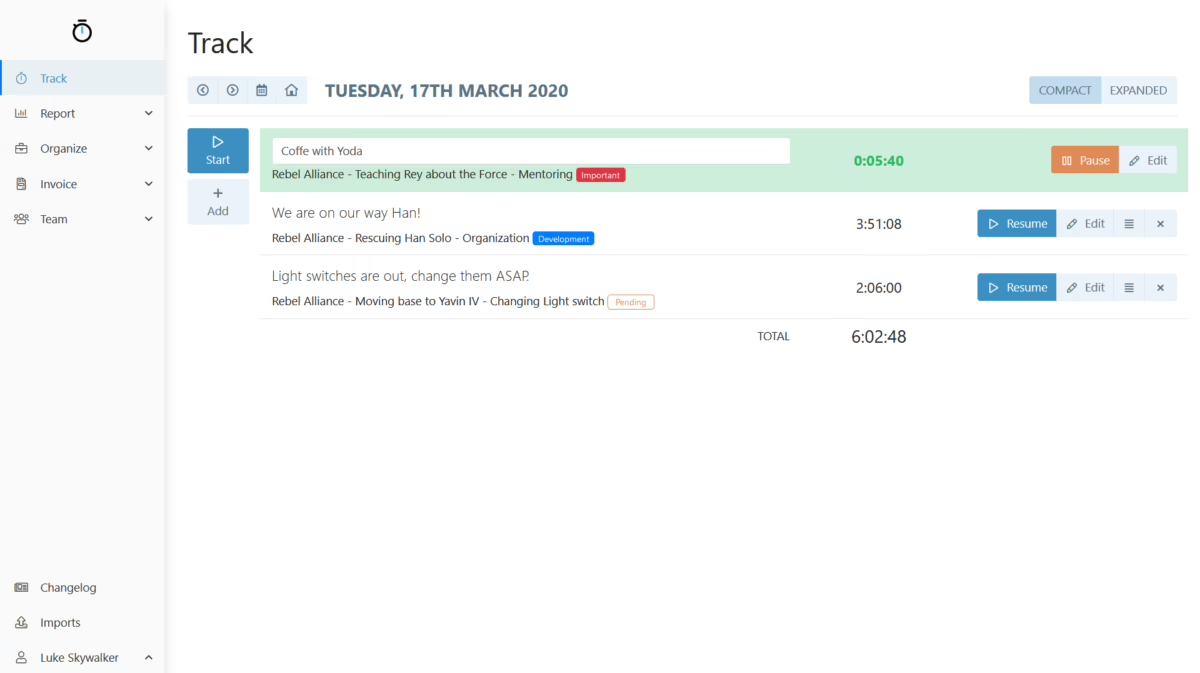
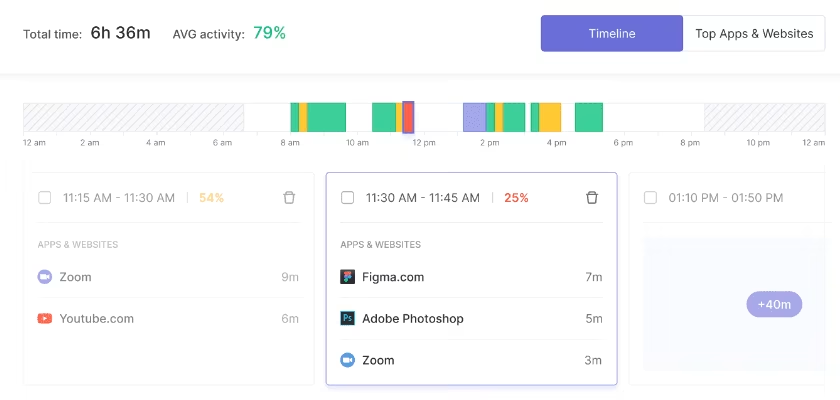
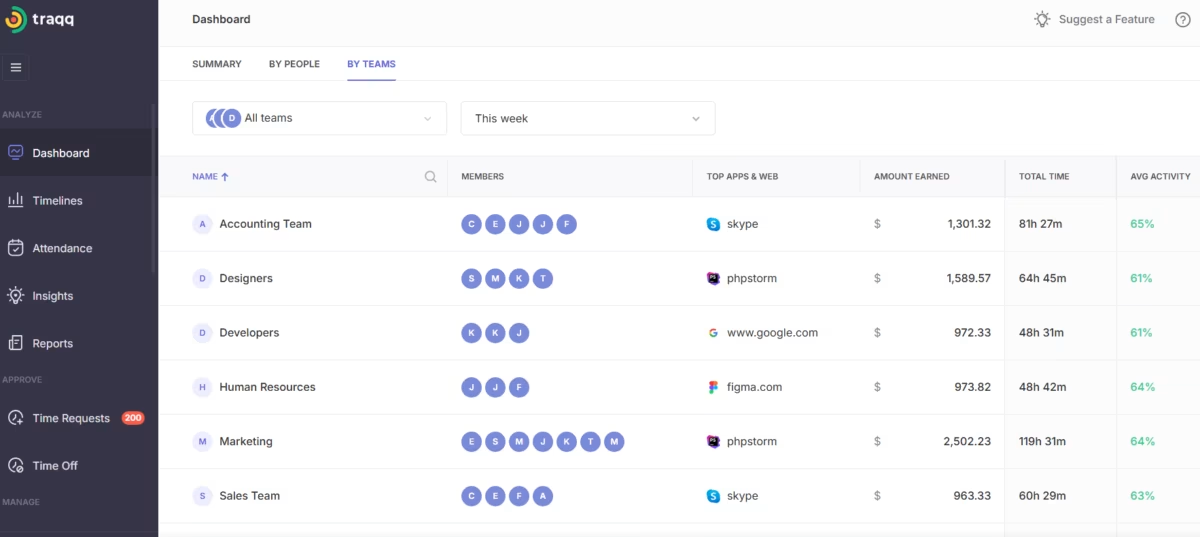
User Interface
Integrations
Learn about integrations of listed software to compare and see which one will be the easiest to implement.

API

Asana

Jira

Monday.com

Trello

Gusto

ADP

QuickBooks

Rippling

Slack (Slash Commands)

Zapier
API
Asana
Jira
Monday.com
Trello
Gusto
ADP
QuickBooks
Rippling
Slack (Slash Commands)
Zapier
API
Asana
Jira
Monday.com
Trello
Gusto
ADP
QuickBooks
Rippling
Slack (Slash Commands)
