




CaseFox
Overview
CaseFox is a cloud-based legal billing software designed to streamline billing, time tracking, and case management for law firms and solo practitioners. Enhance your practice's efficiency with easy-to-use features and secure, accessible data.
Overview
Who uses this software
CaseFox is used by a diverse range of law professionals & organizations, including: 1. Law Firms 2. Solo Practitioners 3. Attorneys/Lawyers 4. Paralegals 5. CPAs & Accountants 6. Investigators 7. Corporate Legal Departments 8. Legal Aid Organizations (Non-profits organizations).
Support
24/7, Email, Knowledge Base, Online Community, Phone
HQ Location
16 Corning Ave, Milpitas, California 95035, US
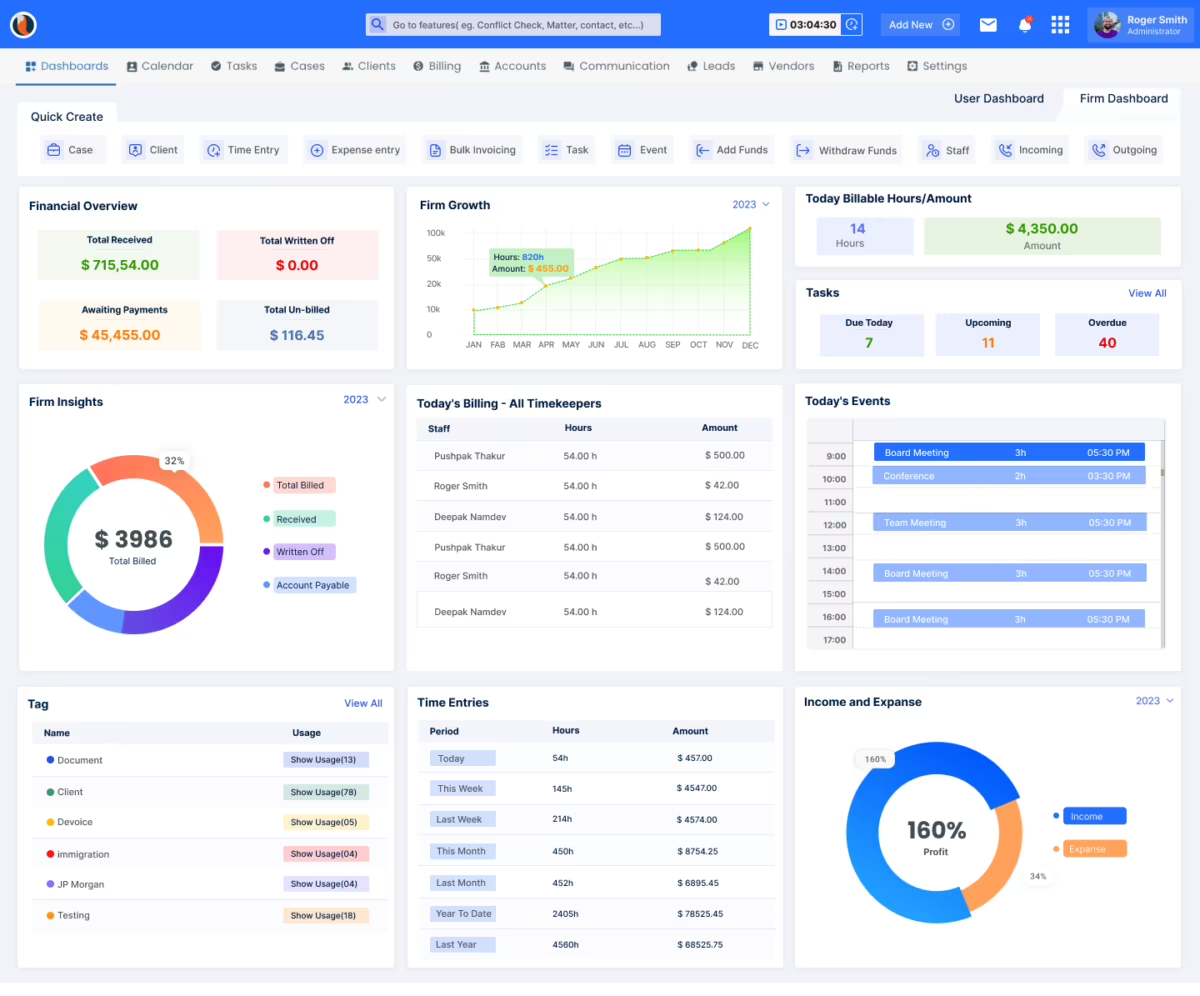
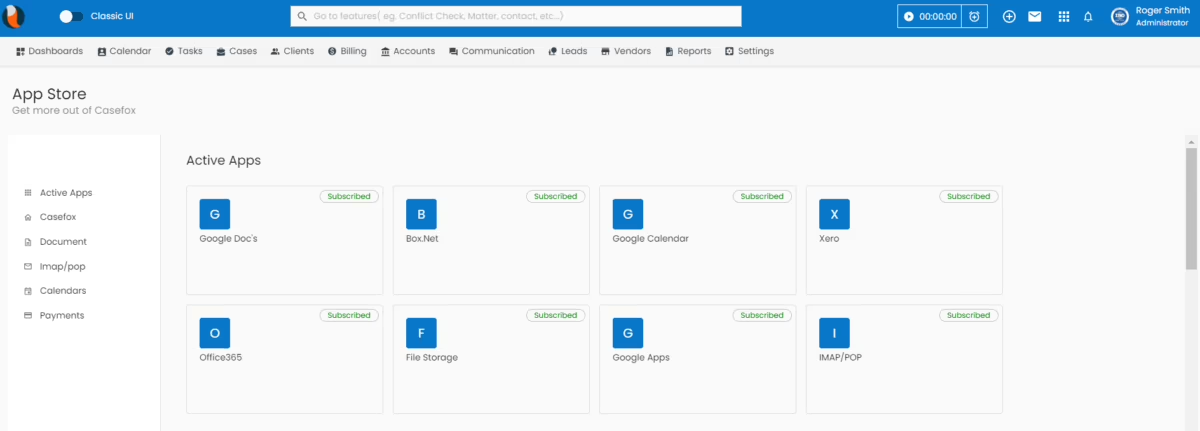
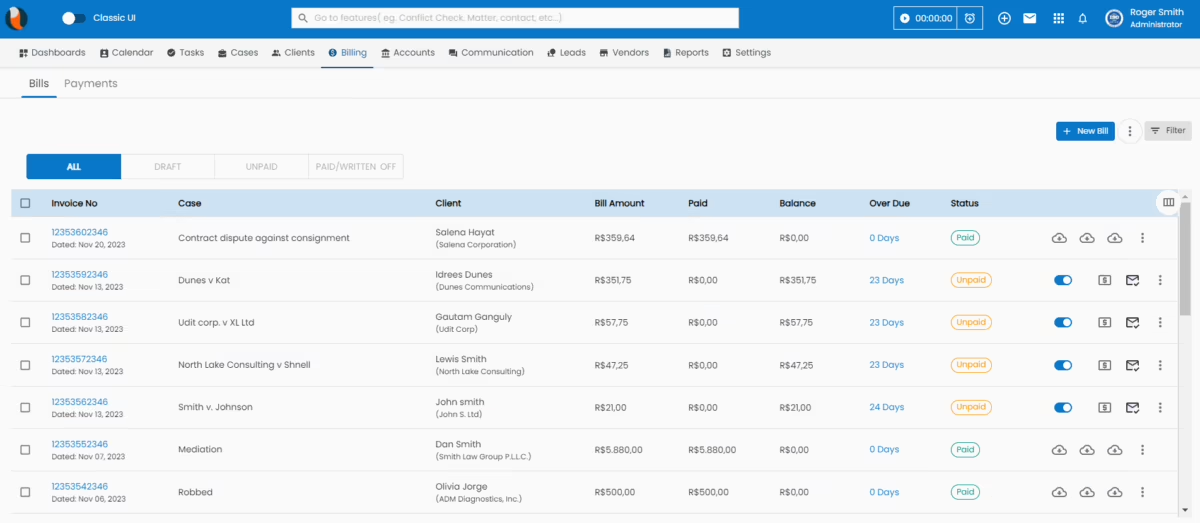
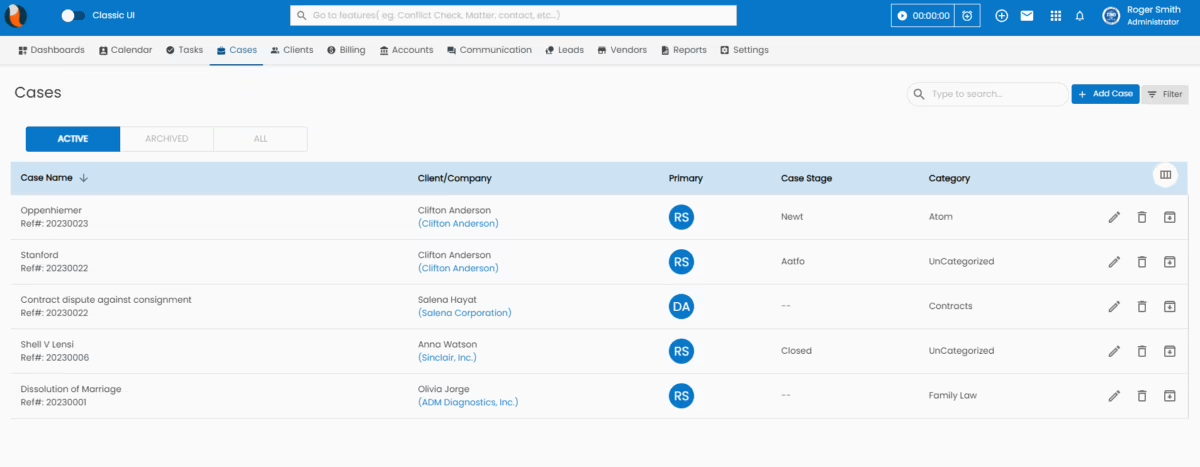
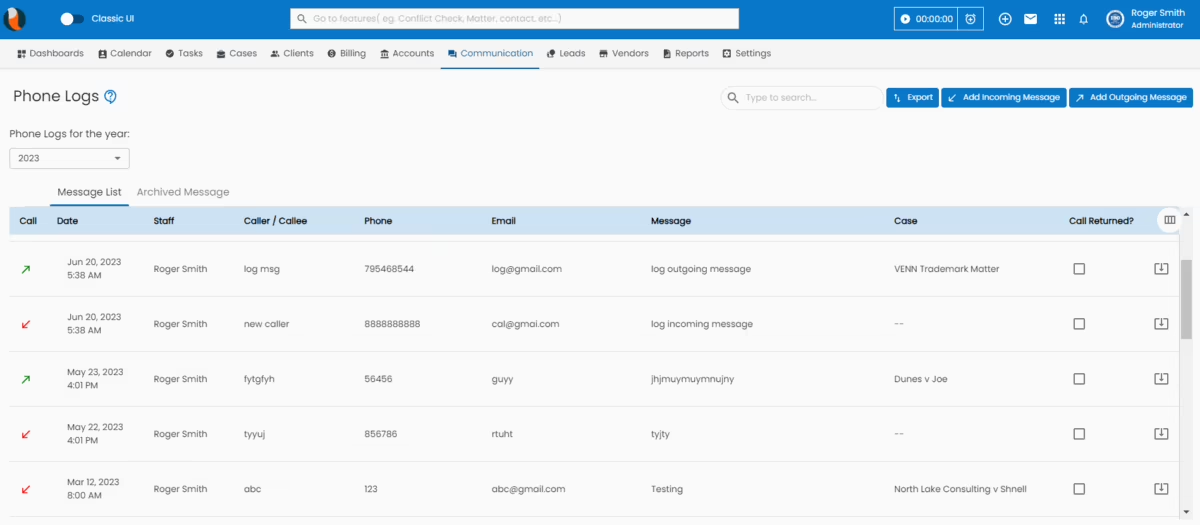
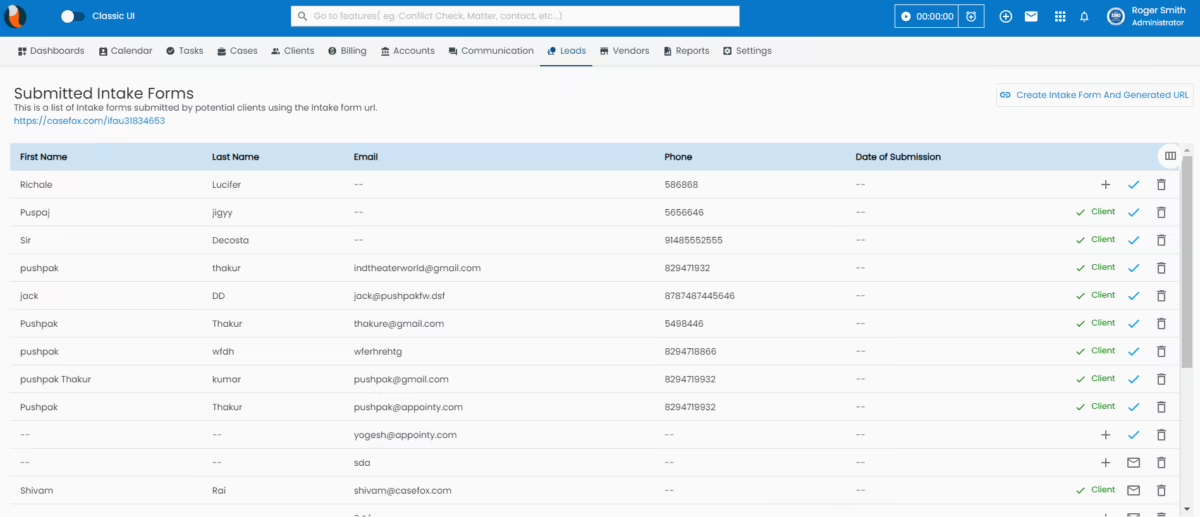
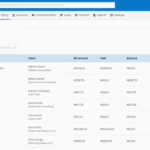
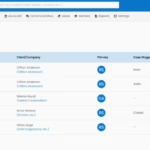
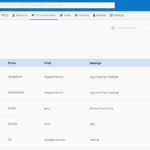
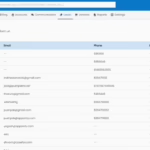
- CaseFox helps legal professionals reclaim time spent on administrative tasks and focus more on providing legal services.
- By automating invoicing and payment collection, the platform improves cash flow and reduces billing-related friction with clients.
- Overall, the platform provides a secure environment for law firms and independent attorneys to manage their day-to-day workload and maintain a high standard of communication with their clients.
Pricing
View more on pricingExplore CaseFox’s complete range of pricing tiers. Learn more about what each plan includes, its costs, available features, integrations, etc., to decide whether CaseFox is the right software for your HR operations.
Starting price
$39.0
<p>$35 per user/month (Billed Annually) For more detail on pricing please visit: https://www.casefox.com/pricing-casefox/</p>
Pricing Model
Free, SubscriptionLicense
Free, PaidFree Trial
No
Integrations
View the complete list of integrationsCaseFox offers to get a clear understanding of its compatible platforms. This will help you decide whether CaseFox can fit into your current tech stack or not.











Reviews
View All Reviews0/ 5
0% of CaseFox users would recommend it
Have you used this software?
Share your feedback to help others decide whether they should use this.
Write a reviewFeatures
| Feature | Feature Rating | Available in Category |
|---|---|---|
Access ControlAccess control defines user roles and permissions, ensuring only authorized staff view or edit time data while maintaining security and accountability across the organization . |
|
|
Accounting IntegrationAccounting integration connects time tracking with financial systems, enabling accurate cost allocation, faster invoicing, and smoother reconciliation of project expenses and payroll records for teams. |
|
|
Billable & Non-Billable HoursBillable and non-billable hours tracking separates chargeable work from internal tasks, helping businesses manage profitability and resource allocation effectively for clear financial visibility. |
|
|
Billing InvoicingBilling and invoicing converts tracked time into accurate client invoices, reducing errors and speeding up revenue collection processes for smoother cash flow and client trust. |
|
|
Calendar ManagementCalendar management lets teams plan shifts and deadlines visually, ensuring accurate scheduling and better coordination across projects and departments with real-time updates and reminders. |
|
|
Communication ManagementCommunication management centralizes messages, alerts, and updates in one place, helping teams stay informed, engaged, and aligned with schedules and organizational objectives at all times. |
|
|
Custom FieldsCustom fields let organizations capture additional data relevant to their workflows, ensuring time tracking fits unique business needs and reporting requirements without complexity or confusion. |
|
|
Customizable ReportingCustomizable reporting enables teams to design reports that highlight productivity, costs, and trends, supporting better decisions with data tailored to business priorities and leadership needs. |
|
|
Data Import/ExportData import/export supports smooth transfer of time records between systems, enabling backup, sharing, and integration with payroll and accounting platforms for seamless operations. |
|
|
Document ManagementDocument management helps store, organize, and retrieve work-related files alongside time records, supporting compliance and smoother collaboration across teams and processes every working day. |
|
|
Document StorageDocument storage provides a secure digital space for contracts, policies, and reports, ensuring important files remain accessible and protected from loss or unauthorized access. |
|
|
Expense TrackingExpense tracking records work related costs alongside time entries, giving organizations clear visibility into spending and supporting accurate billing and reimbursement processes for every employee. |
|
|
Multi-LocationMulti-location capability helps businesses manage attendance and schedules across branches, ensuring consistent policies and centralized control for smooth coordination between offices and departments. |
|
|
Performance ReportsPerformance reports combine time and productivity data to highlight trends, measure efficiency, and support informed decisions for employee development and project improvement across all teams. |
|
|
Permission ManagementPermission management controls user access to sensitive time and payroll information, ensuring only authorized staff can view or edit critical records securely within the system. |
|
|
QuickBooks IntegrationQuickBooks integration syncs time and payroll data with accounting records, simplifying invoicing and improving accuracy in financial reporting processes for small and growing business users. |
|
|
Reporting StatisticsLorem Ipsum is simply dummy text of the printing and typesetting industry. |
|
|
Role-Based PermissionRole-based permission restricts system access according to job roles, ensuring sensitive time and payroll data remains secure and visible only to authorized users. |
|
|
Secure Data StorageSecure data storage protects time records and employee records with strong security controls, ensuring information remains confidential and safe from unauthorized access. |
|
|
TaggingTagging helps categorize time entries with labels beyond task names, making it easier to report billable vs. non-billable work across projects and identify productivity bottlenecks. |
|
|
Task ManagementThe task management functionality centralizes assignment, priority, and deadline management, enabling teams to plan work, track progress, and maintain accountability throughout each project. |
|
|
Third Party IntegrationThird-party integration connects time tracking with payroll, accounting, and project management systems, enabling smooth data exchange and reducing manual effort for staff every day. |
|
|
Time & Expense TrackingTime & expense tracking records work hours and costs, helping organizations set and control budgets and easily understand project profitability for smarter financial planning. |
|
|
Timesheet ManagementTimesheet management simplifies the recording and reviewing of employee work hours, tasks, and project time, helping HR teams process payroll faster and with fewer errors. |
|
|
TimesheetsTimesheets record employee working hours in clear formats, providing reliable data for payroll processing, internal audits, and productivity reviews across teams and business units. |
|
Compare
Vs.
Choose comparison



Alternatives
View all alternativesDiscover CaseFox's most popular alternatives. Run a detailed comparison of how CaseFox performs against other leading software in the same category, in terms of pricing, features, benefits, and more.


Memtime
Automatic time tracking tool that records all activities in the background, builds a visual timeline…


Connecteam – Time Tracking Software
Connecteam is an award-winning all-in-one employee management platform. Tailored for the unique demands of non-desk…
View CaseFox in other categories
CaseFox is also a part of other HR software categories, where you can find category-specific features, user reviews, pricing details, and more.


