Best Employee Onboarding Software At A Glance

BambooHR
No Reviews Yet

Greenhouse
No Reviews Yet

Gusto
No Reviews Yet

Projector
Overview
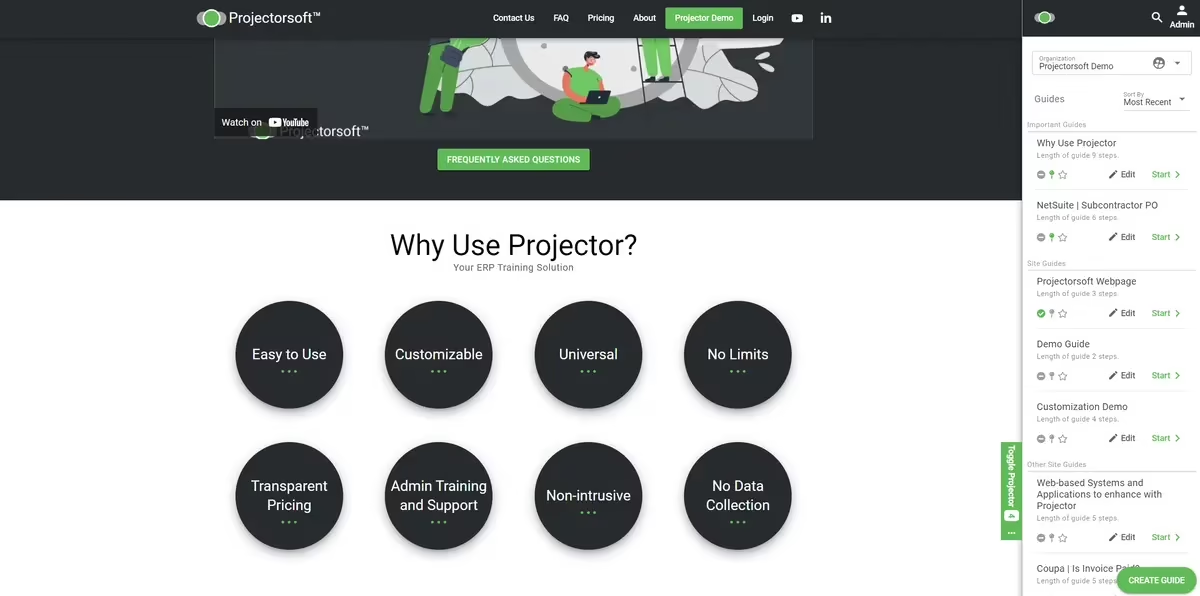
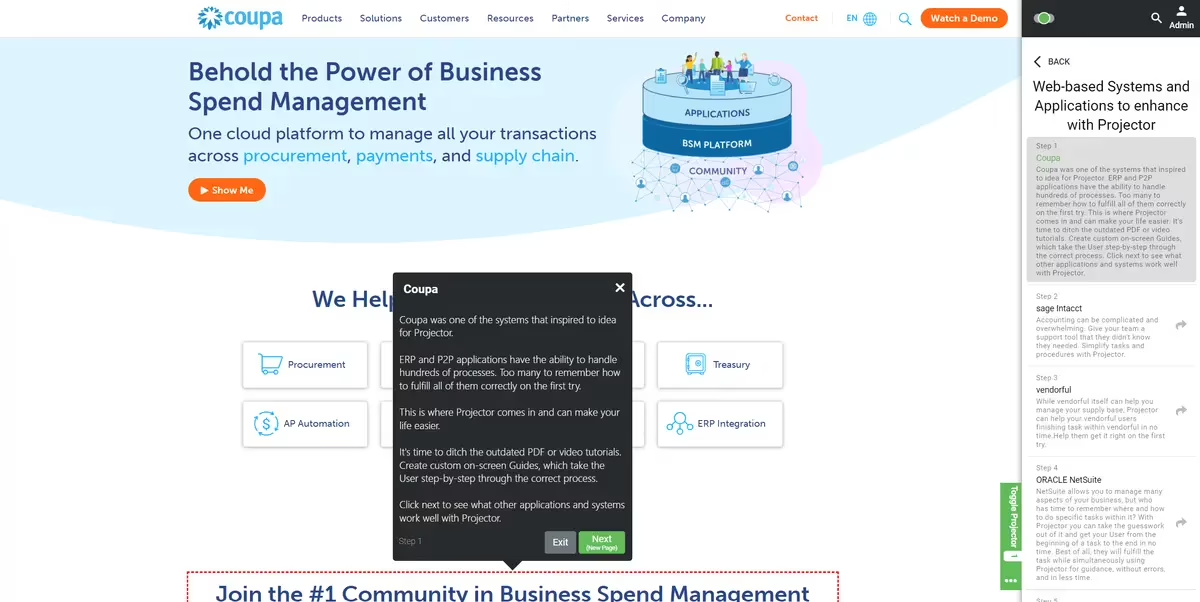
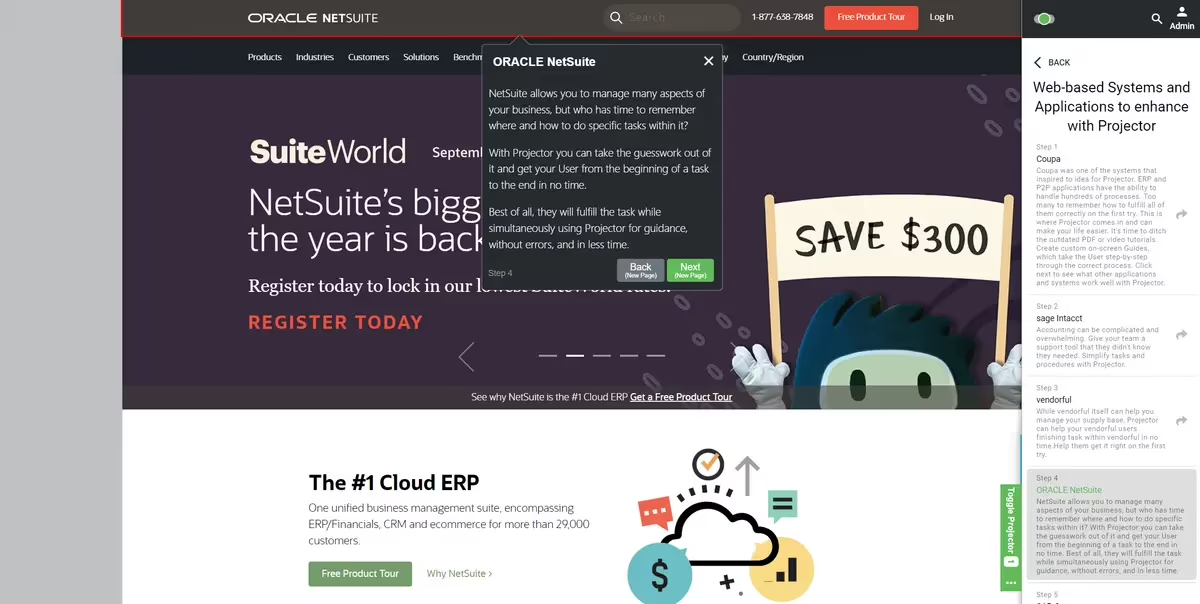
Projector is a customizable, non-intrusive browser extension that provides on-screen guidance and training for web-based systems without requiring downloads or data collection. It offers transparent pricing, including admin training and support.
Overview
Who uses this software
Any organization that utilizes web-based applications and systems can benefit from using Projector. Projector simplifies and streamlines online processes and tasks while saving you time and resources.
Support
Email, FAQ, Knowledge Base, Online Community, Phone
HQ Location
Huntley, IL, USA
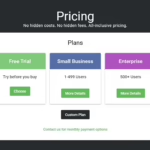
Pricing
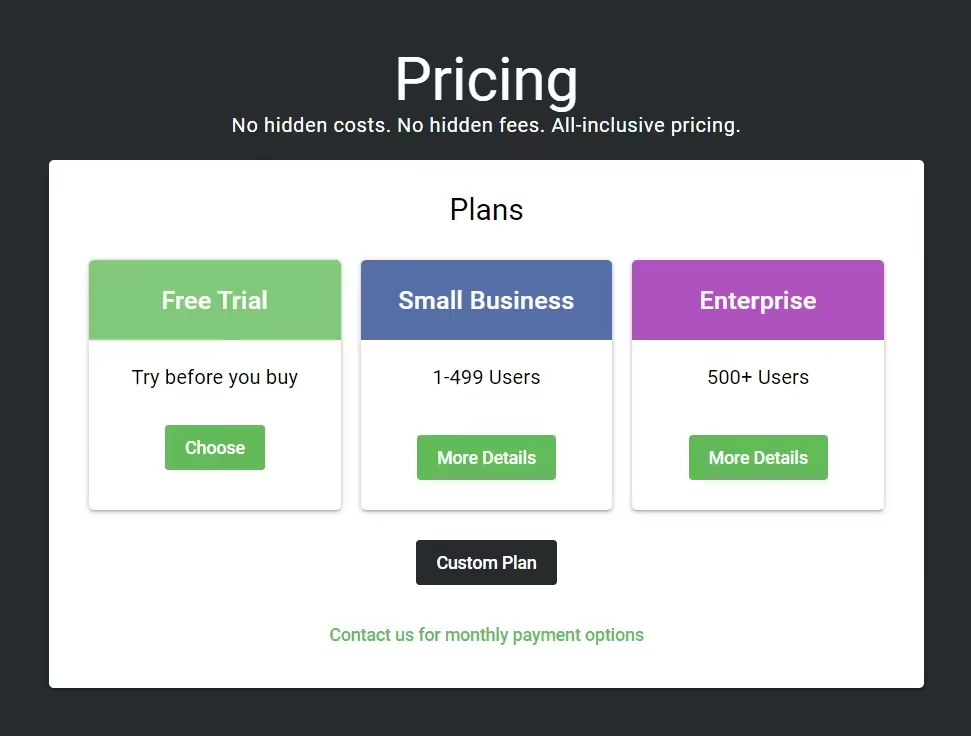
View more on pricingExplore Projector’s complete range of pricing tiers. Learn more about what each plan includes, its costs, available features, integrations, etc., to decide whether Projector is the right software for your HR operations.
Starting price
$4.99
<p>Per user/Year</p>
Pricing Model
Free Trial, SubscriptionLicense
N/AFree Trial
Yes
Integrations
View the complete list of integrationsProjector offers to get a clear understanding of its compatible platforms. This will help you decide whether Projector can fit into your current tech stack or not.







Reviews
View All Reviews0/ 5
0% of Projector users would recommend it
Have you used this software?
Share your feedback to help others decide whether they should use this.
Write a reviewFeatures
| Feature | Feature Rating | Available in Category |
|---|---|---|
Applicant TrackingTrack candidates from selection to onboarding, linking recruitment data with employee records for a smooth transition into the organization and improving overall workforce integration process. |
|
|
Approval Process ControlSet approval workflows for documents and tasks so every onboarding step follows company policy and management review to ensure controlled execution and consistent process quality. |
|
|
Asynchronous LearningEnable asynchronous learning so new hires complete training at their own pace while maintaining progress tracking and learning consistency for flexible onboarding and improved engagement. |
|
|
Audit TrailMaintain a complete audit trail of onboarding actions and updates for transparency, accountability, and regulatory compliance to support secure operations and reliable organizational governance . |
|
|
Blended LearningCombine classroom sessions with digital learning modules to create a balanced onboarding experience that improves knowledge retention and keeps new hires actively engaged every day. |
|
|
Configurable WorkflowDesign configurable onboarding workflows that adapt to different roles, departments, and policies for consistent yet flexible process management across diverse business units and teams . |
|
|
Content LibraryStore onboarding guides, policies, and training materials in a central content library for easy access and consistent knowledge sharing among all new employees every day. |
|
|
Content ManagementManage onboarding content with tools that support updates, version control, and organized distribution to maintain accurate information for new hires across multiple teams and locations. |
|
|
Customizable BrandingApply your organization’s branding to onboarding portals with logos, colors, and themes for a consistent and professional employee experience across every digital interaction and screen. |
|
|
Customizable ReportingGenerate customizable reports to analyze onboarding progress, performance metrics, and engagement levels for informed management decisions across teams and support strategic workforce planning every quarter. |
|
|
Document ManagementControl onboarding documents with organized storage, version tracking, and easy access to ensure important files remain updated and available when required for all teams . |
|
|
Employee OnboardingStreamline employee onboarding with structured workflows, digital documents, and guided steps that help new hires settle in quickly and build early engagement within the organization. |
|
|
HR ManagementManage HR activities from a single platform to coordinate onboarding, maintain employee records, and ensure smooth collaboration between teams and leadership across the organization . |
|
|
Learning ManagementManage onboarding training with learning management tools that organize courses, monitor completion, and ensure consistent knowledge delivery across teams for improved workforce readiness and quality. |
|
|
Multi-LanguageSupport multiple languages so employees from different regions can understand onboarding content easily and feel included from the beginning for stronger communication and global adoption. |
|
|
New Employee PortalProvide a dedicated new employee portal for completing tasks, accessing documents, and tracking progress throughout the onboarding journey with simple navigation and full transparency . |
|
|
Payroll ManagementManage payroll setup for new hires by linking onboarding data with salary, tax, and payment information securely to ensure accurate processing and timely monthly payouts. |
|
|
Reporting StatisticsAccess detailed reporting statistics that highlight trends, completion rates, and compliance levels to support data-driven planning and continuous onboarding improvement. |
|
|
Role-Based PermissionsControl system access with role-based permissions so users view only relevant information, protecting sensitive onboarding data and ensuring secure, organized collaboration across departments. |
|
|
Self Service PortalProvide a self-service portal where new employees complete tasks, upload documents, and track progress independently for a smoother onboarding experience across all departments. |
|
|
Single Sign InEnable single sign-in so users can access onboarding systems with one login, improving convenience while maintaining strong authentication and security standards for all users. |
|
|
Task ManagementManage onboarding tasks with clear assignments, deadlines, and progress tracking to ensure smooth execution across teams for organized operations and faster completion of work . |
|
|
Third Party IntegrationConnect onboarding software with third party applications to exchange data smoothly and reduce manual work across business systems for better process integration and accuracy . |
|
|
Training ManagementManage training programs with organized schedules, completion tracking, and learning resources for effective onboarding that builds skills and boosts employee confidence from the first day. |
|
|
Workflow ManagementDesign and manage onboarding workflows that automate tasks, improve coordination, and ensure every step follows company policy for consistent processes and better employee experiences . |
|
Compare
Vs.
Choose comparison



Alternatives
View all alternativesDiscover Projector's most popular alternatives. Run a detailed comparison of how Projector performs against other leading software in the same category, in terms of pricing, features, benefits, and more.

APLYiD
APLYiD offers biometric ID scanning, document capture, and data verification, ensuring AML compliance and protecting…

BlueTree
BlueTree is an intuitive onboarding software that streamlines new hire integration with automated workflows, resource…

Co.tribute
Co.tribute is a digital platform helping financial institutions acquire new customers and sell more products.It…

[GO] Onboarding
[GO] Onboarding is a streamlined software that automates employee onboarding tasks like document signing, benefits…
View Projector in other categories
Projector is also a part of other HR software categories, where you can find category-specific features, user reviews, pricing details, and more.


