
Comparison lists |



ReviewsCheck out the reviews for a detailed side-by-side comparison of different software and make informed choices. |
|||
Overall rating |
No Ratings Yet |
No Ratings Yet |
No Ratings Yet |
Likelihood to recommend |
No Ratings Yet |
No Ratings Yet |
No Ratings Yet |
UX & ease of use |
No Ratings Yet |
No Ratings Yet |
No Ratings Yet |
Customer support |
No Ratings Yet |
No Ratings Yet |
No Ratings Yet |
Value for money |
No Ratings Yet |
No Ratings Yet |
No Ratings Yet |
PricingFind the best and most affordable HR software solution for you based on pricing. Compare now. |
|||
Starting price |
1.10 |
N/A |
Free |
Pricing model |
Free Trial, Freemium, Subscription |
Free Trial, Subscription |
Free, Free Trial, Freemium, Subscription |
License |
Paid |
Paid |
Free, Paid |
Notes |
<p>Free for life for teams with fewer than 5 users Pay-as-you-go, starting from just $1.1 per user Flexible billing — pay monthly or save more with an annual subscription</p> |
N/A |
<p>Connecteam offers a fixed price for up to 30 users, meaning you can start with 1 and grow your team up to 30 users without paying a single extra penny! Once reaching 30 users, we have affordable prices per user per month. Here’s the price breakdown: Basic / Yearly: $0.5 per month for each additional user Basic / Monthly: $0.6 per month for each additional user Advanced / Yearly: $1.5 per month for each additional user Advanced / Monthly: $1.8 per month for each additional user Expert / Yearly: $3 per month for each additional user Expert / Monthly: $3.6 per month for each additional user</p> |
Key InfoGet key details in one place to choose the right tool for your team. Read on to know more. |
|||
Use cases |
<p>Freelancers & Small/Medium Businesses (SME)</p> |
<p>Snap Schedule is an effective and powerful scheduling tool that meets the demands of a wide spectrum of organizations in retail, service industries, manufacturing, financials, and public sector.</p> |
<p>Connecteam simplifies everyday work with deskless teams and keeps them connected, so you can focus on growing the business</p> |
Support |
Business Hours, Email, FAQ, Knowledge Base, Online Community |
Business Hours, Email, Knowledge Base, Live Online |
24/7, Email, FAQ, Knowledge Base, Live Online, Online Community, Phone |
FeaturesExplore the features of each software to compare them side-by-side for a smooth selection. |
|||
Calendar Management |
|
|
|
Compliance Management |
|
|
|
Employee Scheduling |
|
|
|
Employee vacation tracking |
|
|
|
Labor forecasting |
|
|
|
Mobile Access |
|
|
|
Payroll Management |
|
|
|
Skills Tracking |
|
|
|
Time and attendance tracking |
|
|
|
Workflow Management |
|
|
|
Alternatives
Want to compare alternatives of a software? Find them here and start comparing to choose the perfect fit.








User Interface
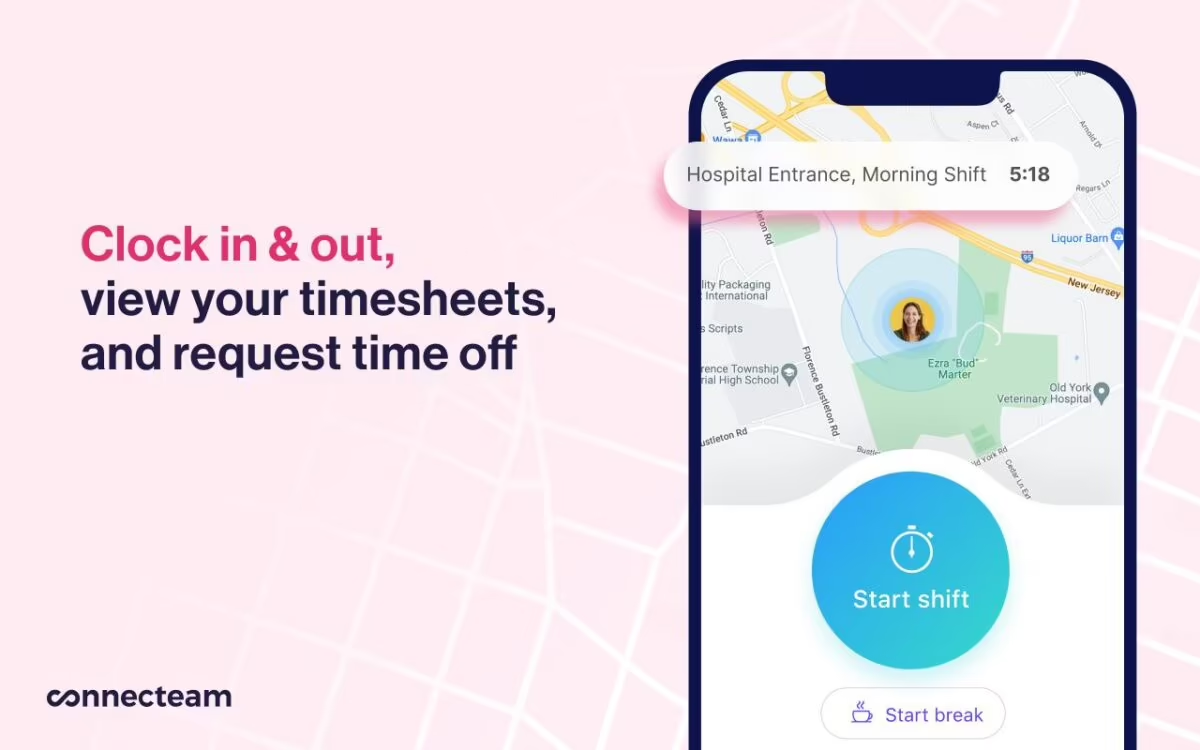
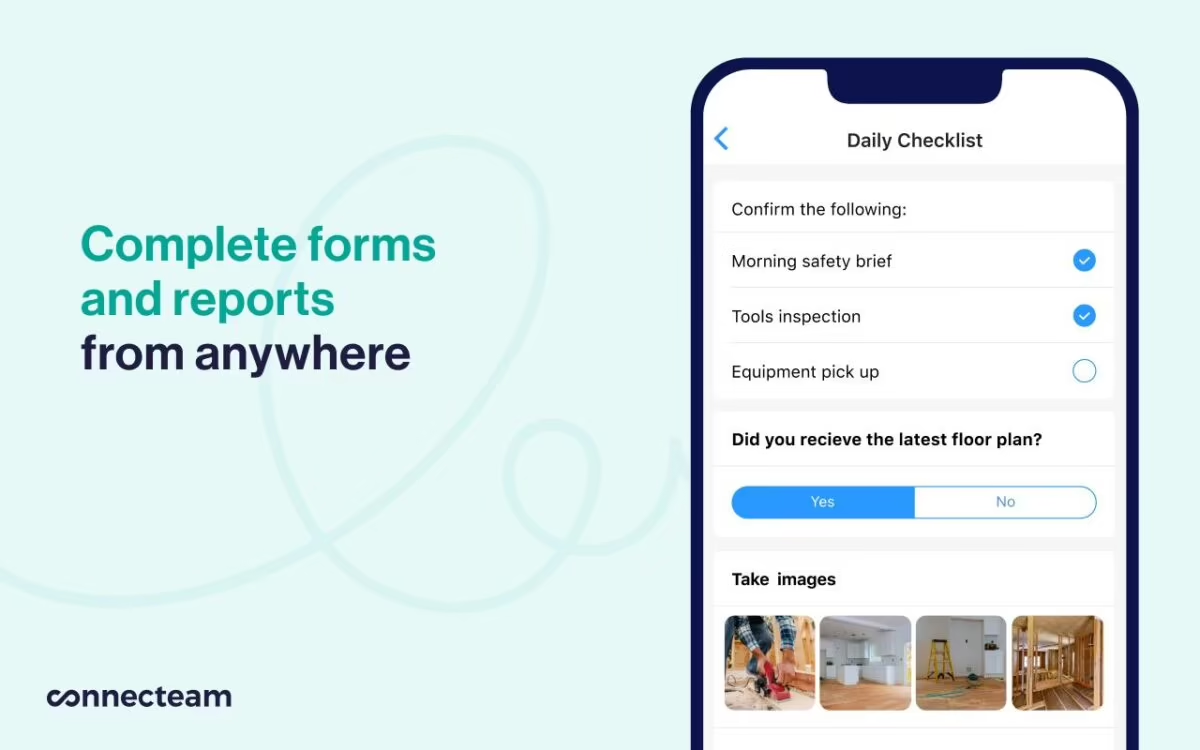
Integrations
Learn about integrations of listed software to compare and see which one will be the easiest to implement.

API

Workday

SAP SuccessFactors

Oracle HCM

Kronos

Blue Yonder

Tableau

Power BI

Microsoft Entra ID

ADP
API

Asana

Jira

Monday.com

Trello

Gusto
ADP

QuickBooks

Rippling

Slack (Slash Commands)

Zapier
API
Slack

Microsoft Teams
Workday

BambooHR

Bonusly

Snappy

LinkedIn Learning

Lattice

15Five

Okta
Power BI